Overview
Ad Manager has undergone a
complete UI/UX overhaul across the entire product
— from campaign creation to performance tracking.This revamp delivers a
modern, consistent, and scalable experience
, making it easier to create, manage, and optimize campaigns with better visibility and reduced friction.What’s New
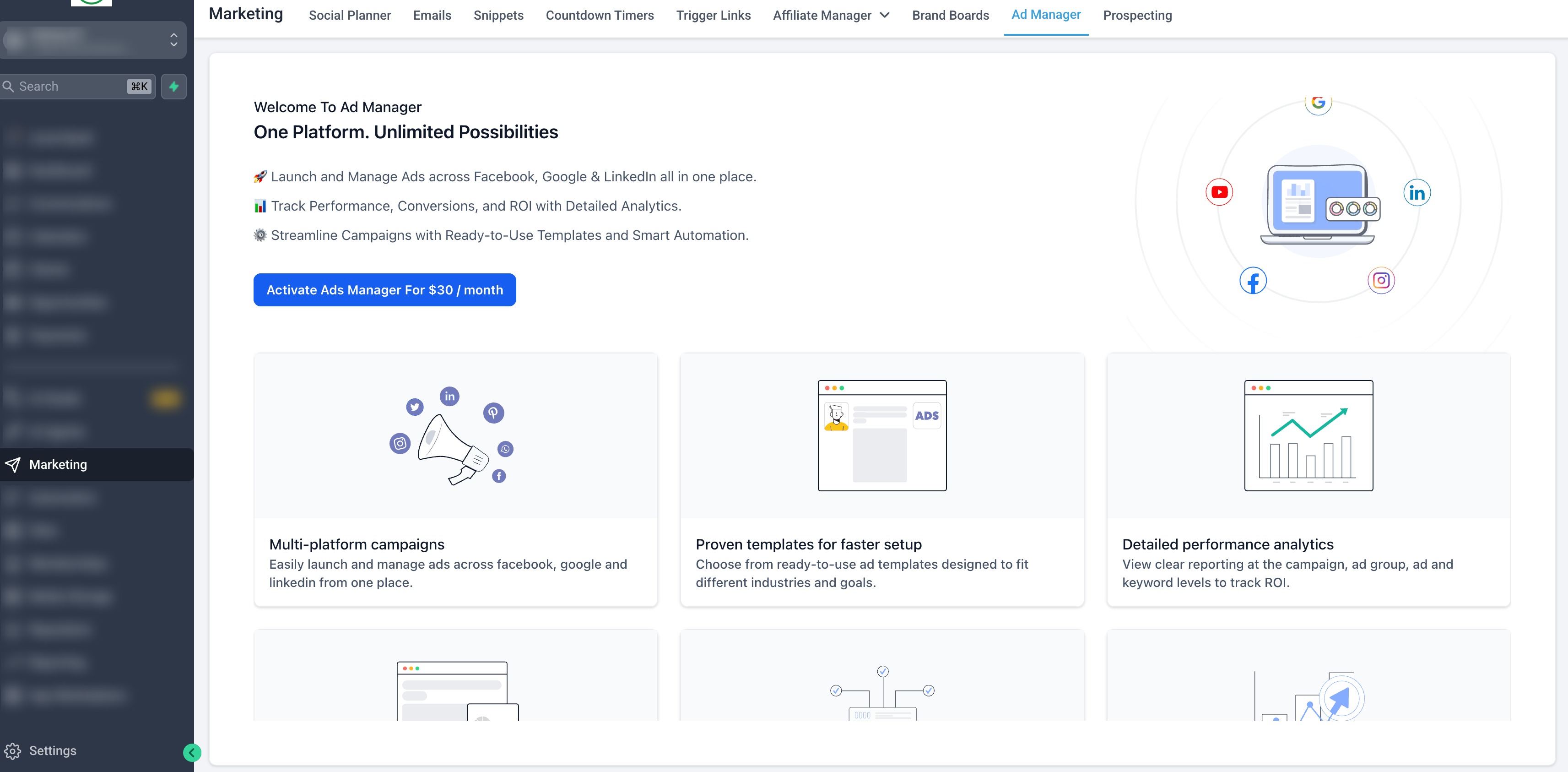
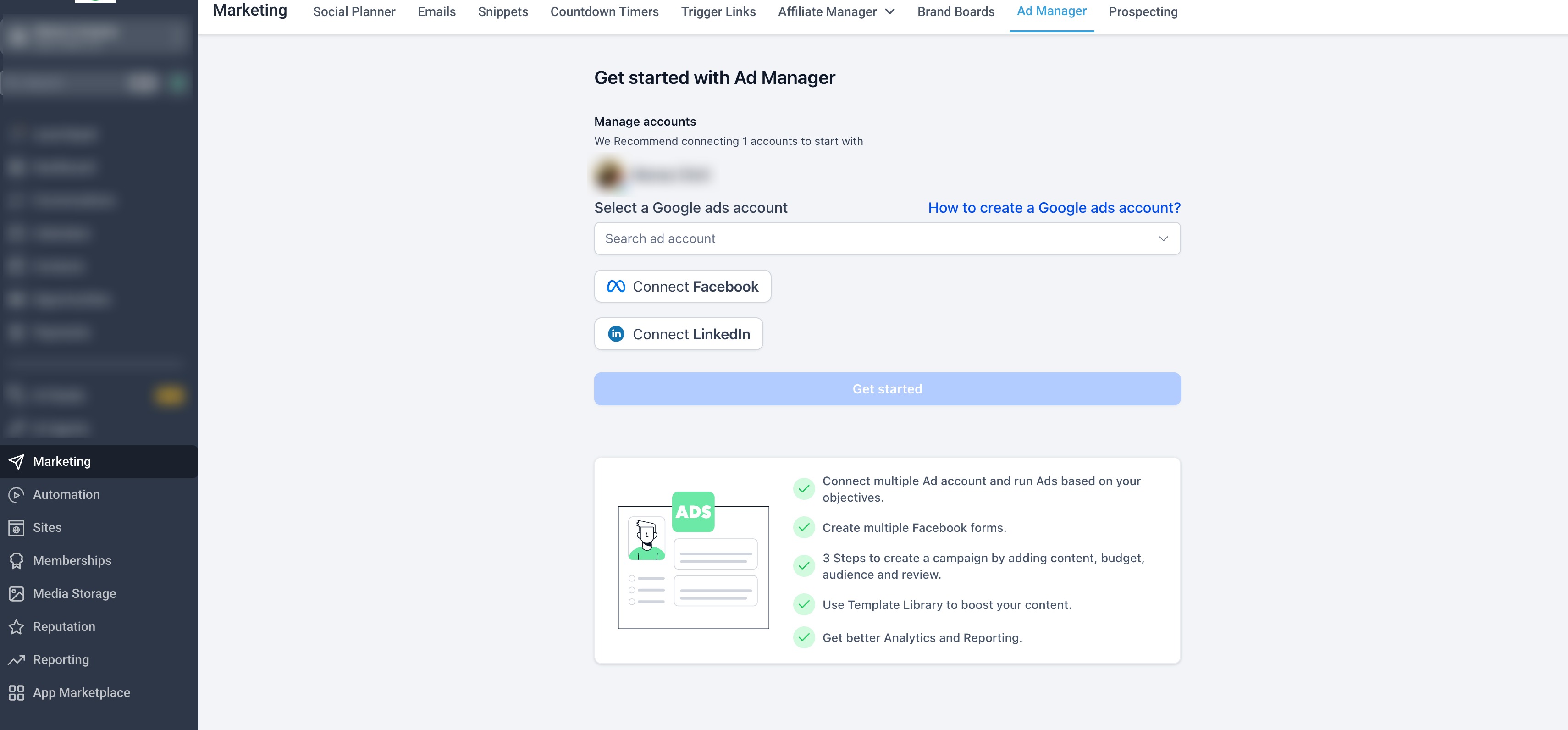
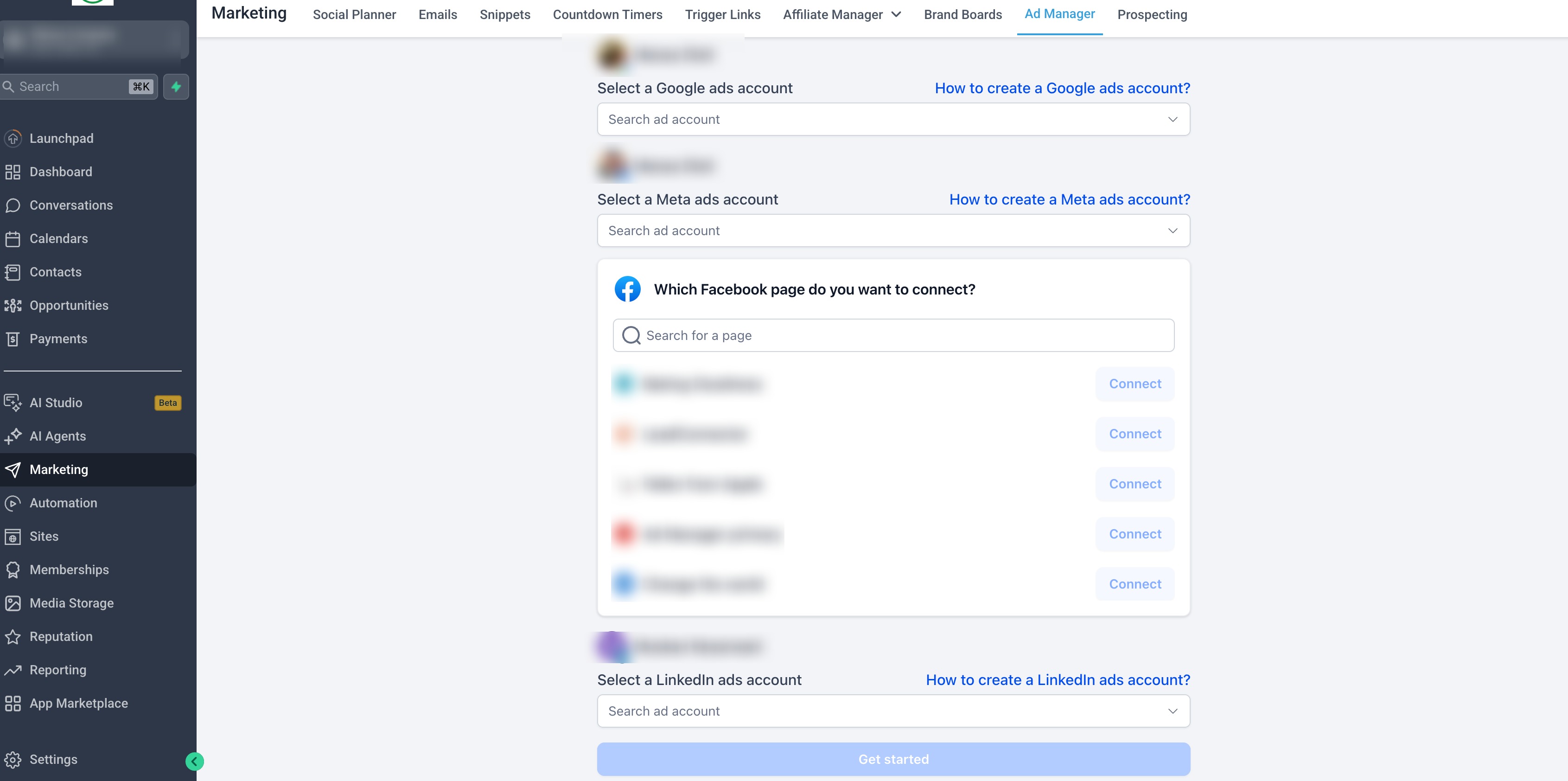
End-to-End UI Revamp - All major surfaces are redesigned with a
clean, consistent design system
:
- Campaign Builder flow
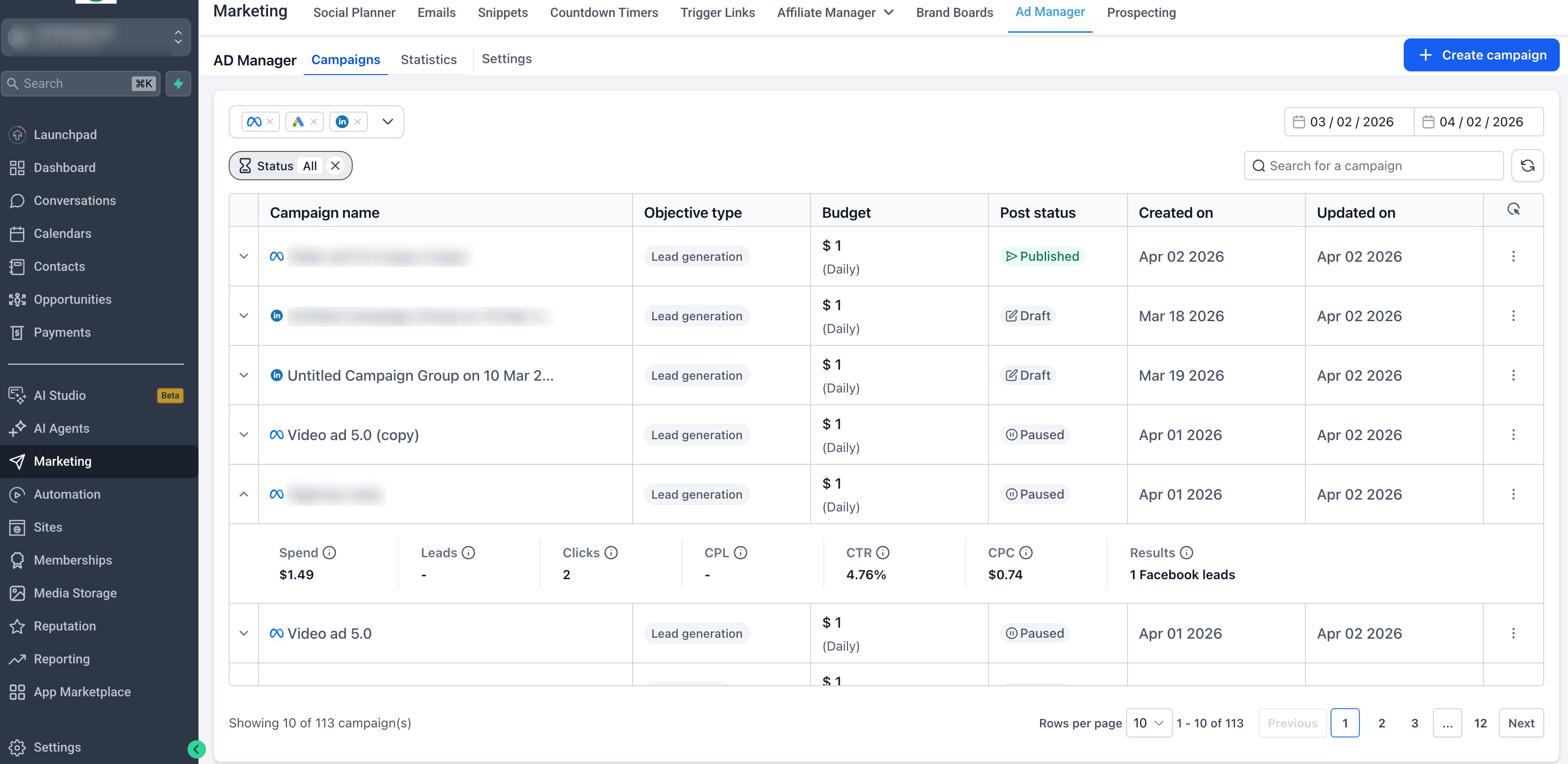
- Campaign Listing page
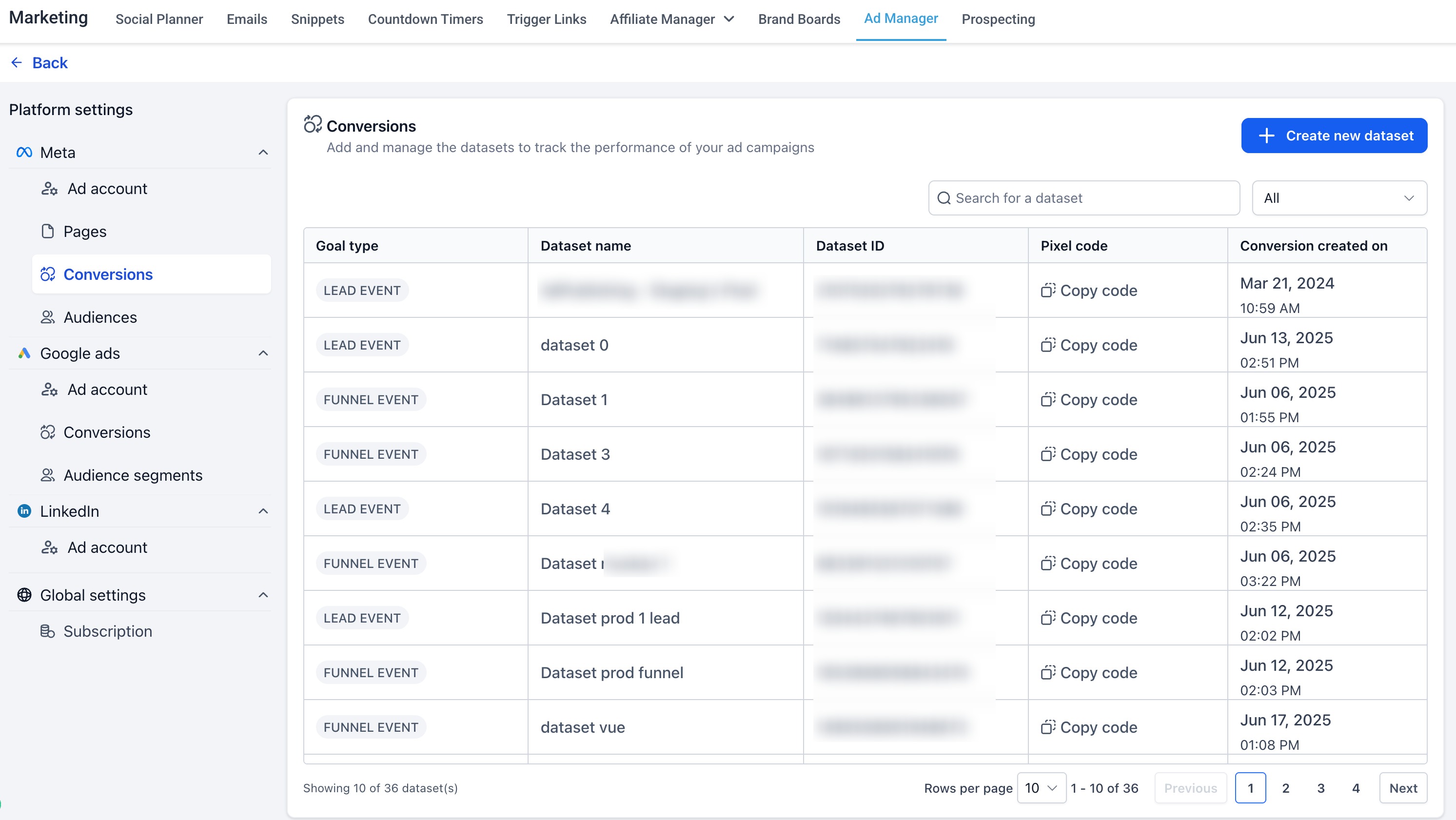
- Settings & configuration screens
- Audience creation dialogs
- Onboarding & first-time user (activation) experience
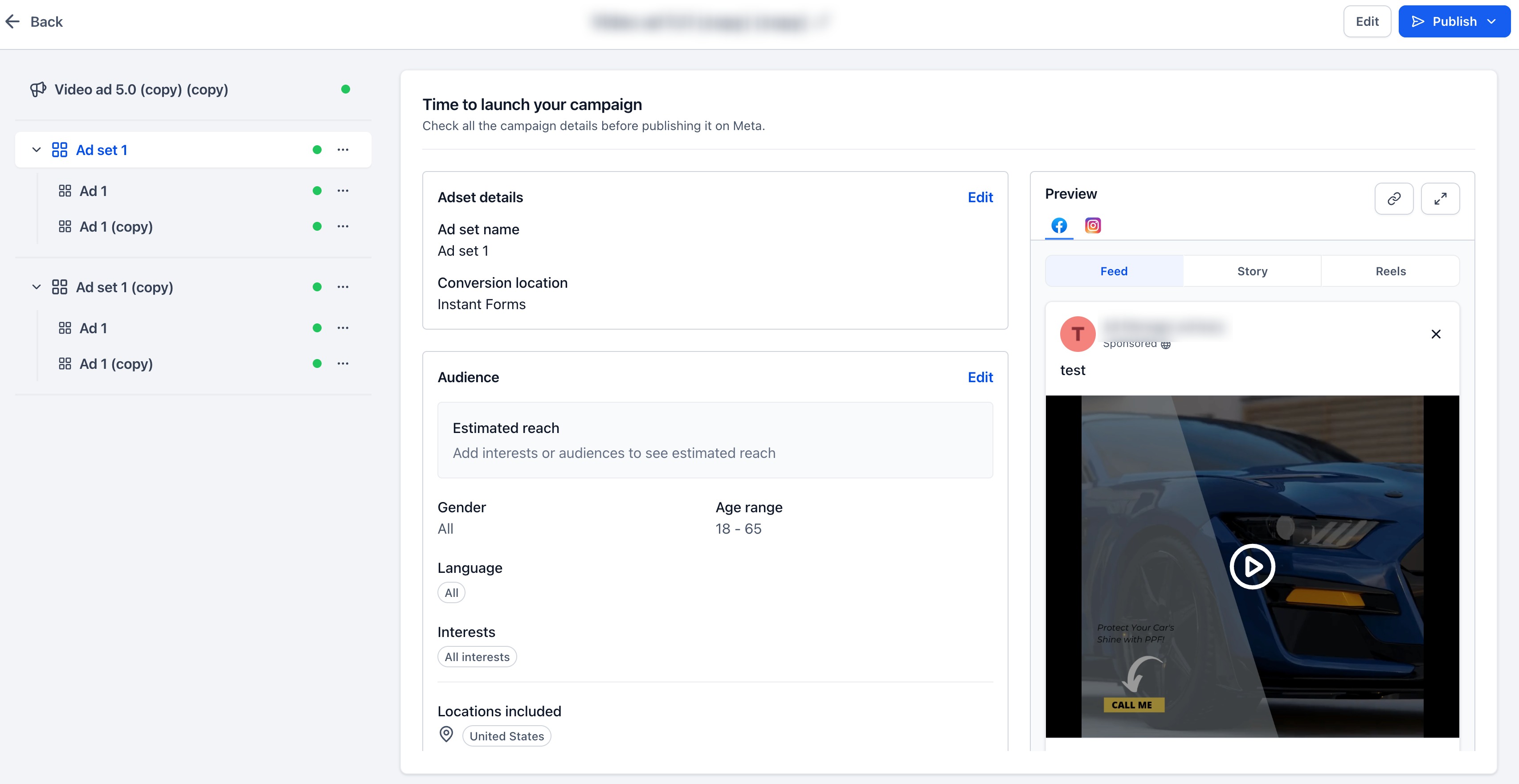
- Review & publish screen
- Ad preview sections
- Error handling & warning prompts
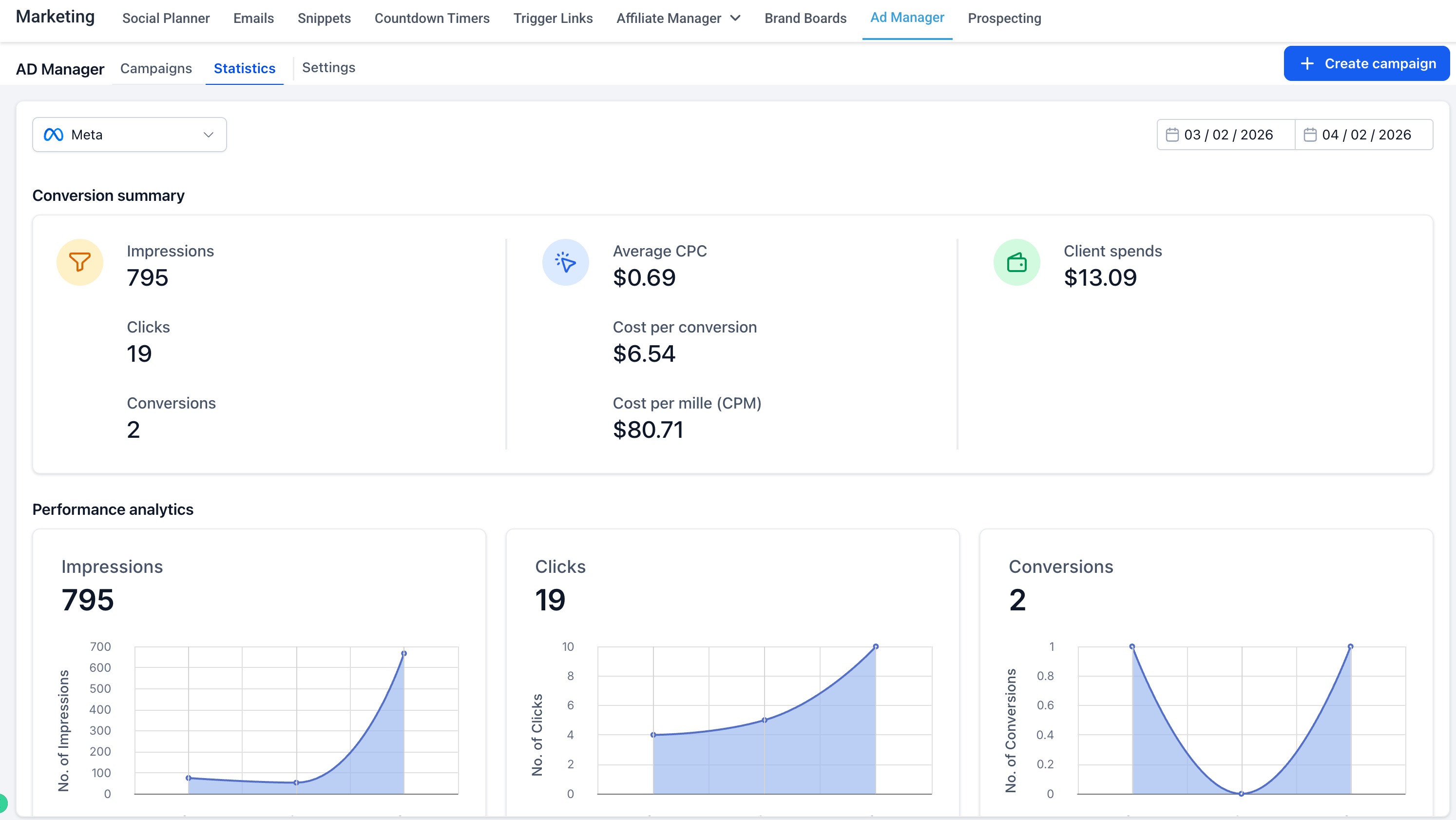
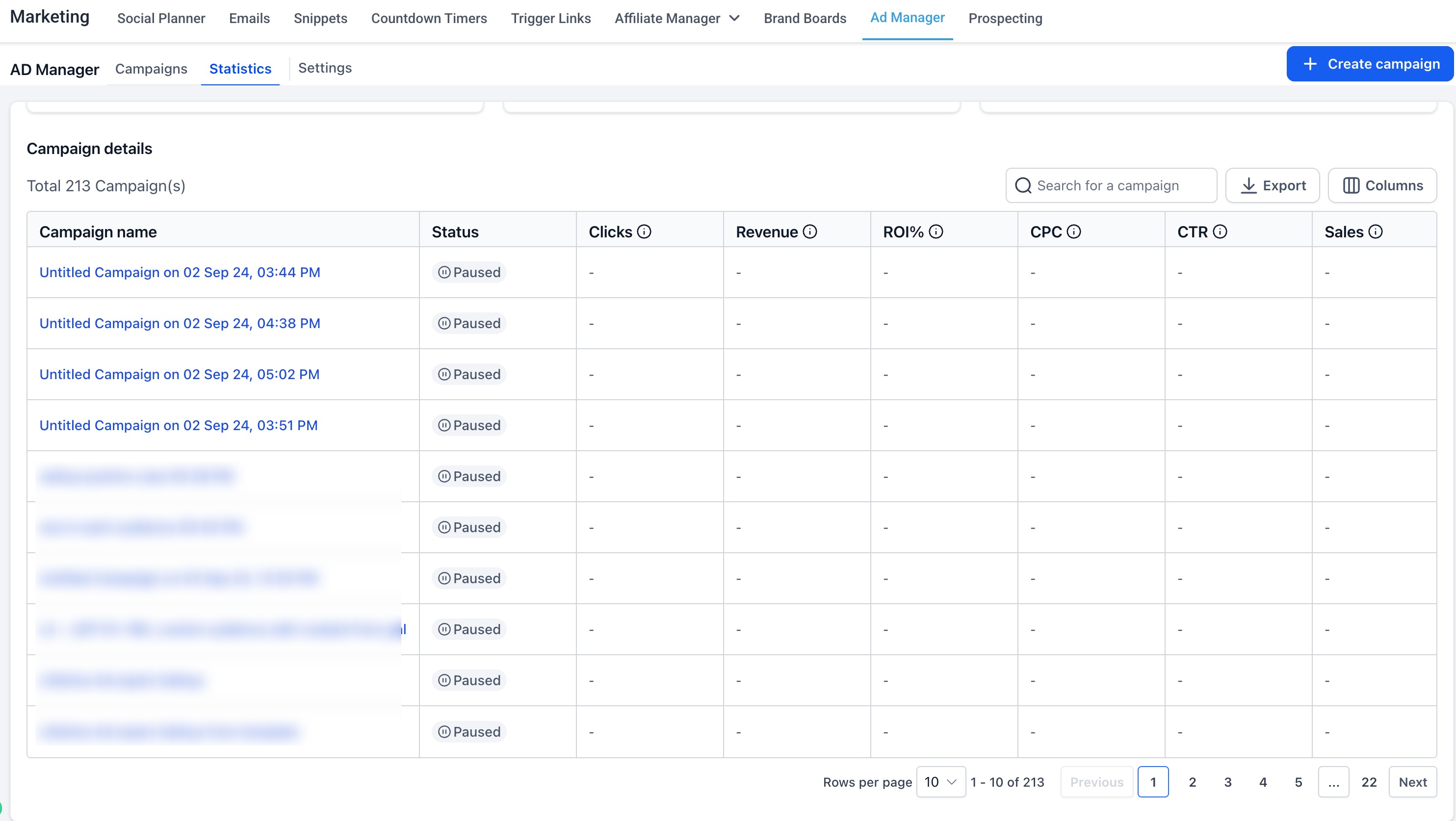
Campaign Listing with Quick Insights
- New structured table layoutfor better readability
- Accordion/dropdown viewto quickly preview performance (Spend, Leads, Clicks, CPL, CTR, CPC, Results)
- Improved filtering, search, and date range selection
Streamlined Campaign Creation
- Cleaner step-by-step builder experience
- Better grouping of inputs (objective, budget, targeting, creatives)
- Improved validation with clearer error & warning prompts
Improved Review & Preview Experience
- Dedicated review screen before publishing
- Enhanced ad preview visibilityfor better confidence before launch
Key Improvements
- Faster campaign creation and navigation
- Instant performance visibility without deep dives
- Reduced errors with better validations and guidance
- Unified experience across all ad platforms
Why It Matters
This revamp transforms Ad Manager into a
more intuitive and scalable platform
, helping users move from setup → launch → optimization faster, with fewer errors and better decision-making.Was this article helpful?
That’s Great!
Thank you for your feedback
Sorry! We couldn't be helpful
Thank you for your feedback
Feedback sent
We appreciate your effort and will try to fix the article